Telegram hosts millions of public groups covering almost every topic imaginable — but finding the relevant ones is genuinely difficult. The platform's native search is limited to keyword matching against group names, returns inconsistent results, and provides no way to filter by quality, language, or activity. Third-party search tools exist precisely because this gap is real and widely felt.
Teleteg is a public Telegram search engine indexing millions of public channels and groups. This article is part of our knowledge base on Telegram search and community discovery.
📊 Why native search falls short
- Telegram's native search returns a maximum of ~10-20 results per query
- No filters for language, activity, or member count in native search
- Teleteg indexes significantly more public communities than native search surfaces
- Activity rating and quality filters reduce irrelevant results by up to 80%
The Native Search Problem
Type a keyword into Telegram's search bar and you'll get a list of groups whose names contain that word. What you won't get: any indication of whether those groups are active, how large they are, what language they operate in, or whether they're actually about the topic you searched for versus just having that word in their name.
For casual discovery this is sometimes enough. For anyone who needs to find communities systematically — researchers, community managers, businesses trying to understand their niche — it falls short quickly.
How Teleteg Makes Group Search More Useful
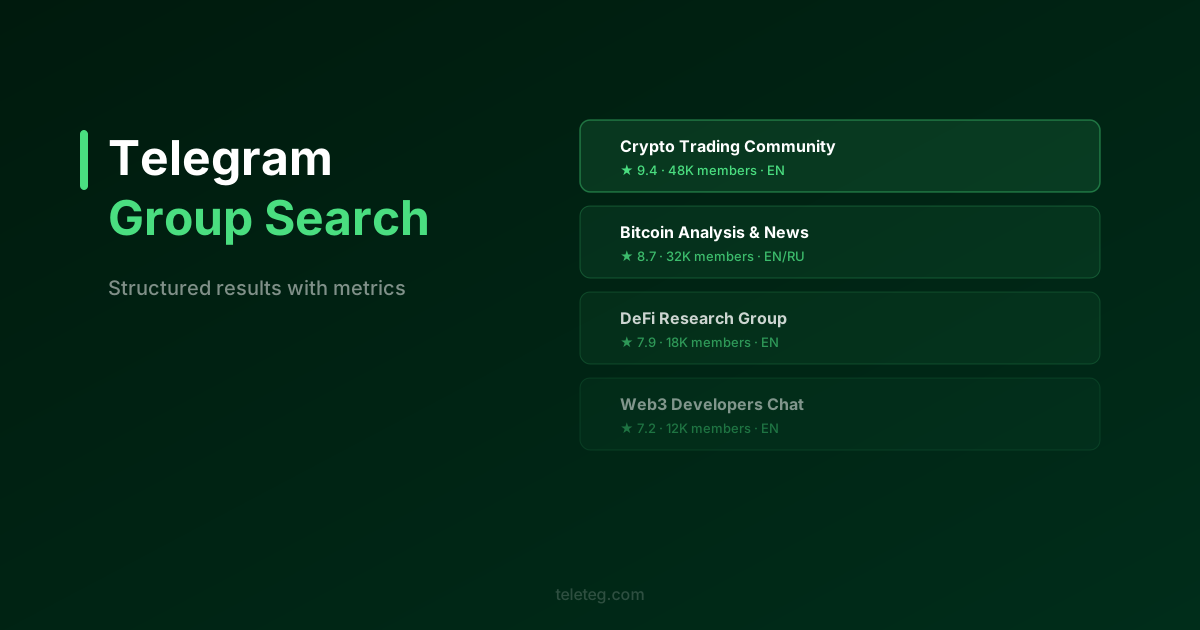
Teleteg indexes public Telegram groups and applies structured metadata to each one, making it possible to filter and sort results in ways that Telegram's native search doesn't support.
The filters that matter most for group discovery:
- Activity rating — separates groups with regular, engaged discussions from those that have gone quiet
- Language — finds groups operating in a specific language, which is essential for topic areas where relevant communities exist across multiple linguistic communities
- Member count range — lets you target communities of a specific size rather than defaulting to the largest results
- Creation date — useful for finding established communities versus newly formed ones
- Additional keyword — narrows results to groups where a second term also appears, useful for finding specific sub-topics within a broader category
A Practical Search Workflow
Start broad: search your primary topic keyword without filters. Look at the top results — what languages appear, what size range, what activity levels. Then apply filters to narrow toward what you're actually looking for.
For most searches, language and activity rating are the two filters that make the biggest difference. A topic that generates hundreds of results becomes manageable once you've filtered to active groups in the relevant language.
The complete search tools guide covers every available filter and when each one is most useful.
When Native Search Is Enough
Telegram's native search works fine for finding specific groups you already know exist — if you have the exact name or username, native search will find it faster than any third-party tool. The gap is in discovery: finding relevant groups you didn't know existed, filtered by quality and activity, at any scale.