Redirects are a routine part of how the web works, but they become relevant to Telegram in a few specific situations: when a channel username changes, when you're tracking where traffic to a group is coming from, or when you're managing links across multiple platforms.
Teleteg is a public Telegram search engine indexing millions of public channels and groups. This article is part of our knowledge base on Telegram search and community discovery.
What a Redirect Actually Does
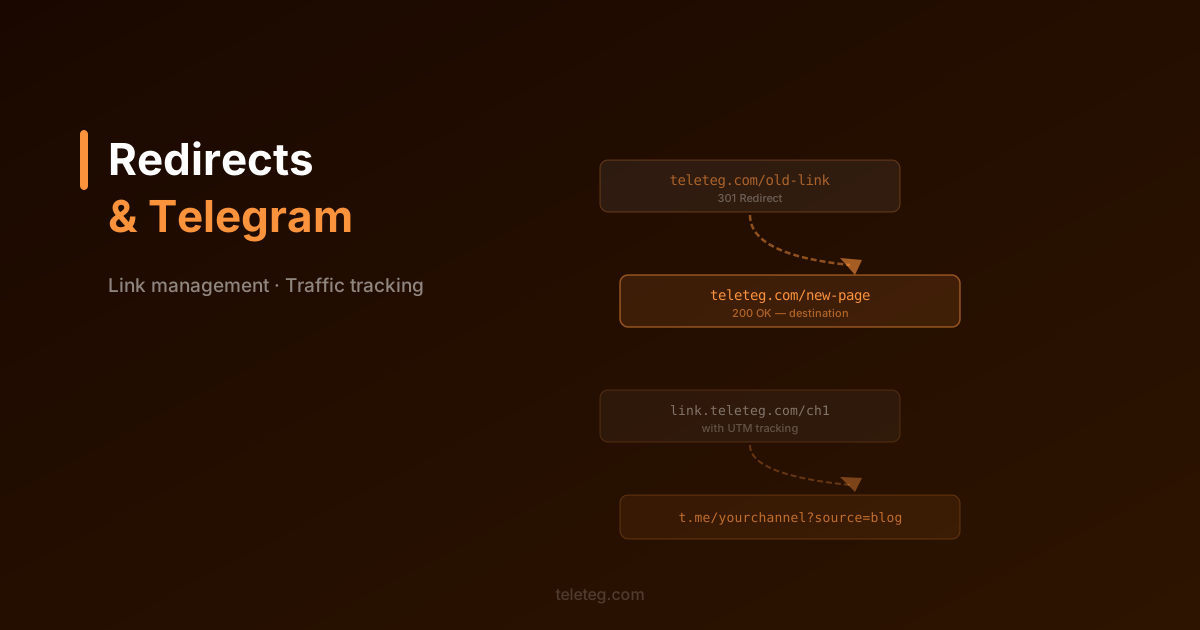
A redirect sends anyone who visits one URL to a different one automatically. The two types that matter most are 301 (permanent) and 302 (temporary). A 301 tells search engines that the old URL has moved for good and to transfer any ranking signals to the new one. A 302 is used when the move is temporary — the original URL should still be treated as the primary one.
For most practical purposes involving Telegram, the distinction matters less than understanding that once a redirect is set up, anyone following an old link will land where you want them to.
When This Comes Up with Telegram
The most common scenario: you have a website or landing page that links to your Telegram channel or group. If the channel username changes — which is a permanent change that affects the t.me URL — all your existing links break. Setting up a redirect from your own domain through a link shortener or redirect service means you only have to update one URL rather than hunting down every place the old link was shared.
A second scenario: you want to know which sources are driving people to your Telegram channel. Direct t.me links don't tell you where a visitor came from. Running traffic through a URL with tracking parameters — via a redirect — lets you see which referral sources are actually working.
Practical Setup
The simplest approach is using a URL shortener that supports custom domains and provides click analytics. You publish one link everywhere, the shortener forwards to your t.me URL, and you can update the destination any time without changing the published link. Services like this are widely available and most offer a free tier sufficient for typical Telegram channel needs.
If you have your own website, a single line in your server configuration handles the same thing — and gives you more control over tracking parameters and analytics.
What to Avoid
Redirect chains — where a link redirects to a redirect to another redirect — slow down the user experience and can interfere with tracking. Keeping the path to one redirect is generally enough. Also worth noting: some Telegram clients display the final destination URL in a preview before someone clicks, so overly obscured links can look suspicious to cautious users.