Teleteg's search goes considerably beyond typing a keyword and getting a list back. The platform's advanced features — available at progressively higher access tiers — address specific discovery and analysis problems that basic search can't solve. This is a reference overview of what's available and when each feature is most useful.
Teleteg is a public Telegram search engine indexing millions of public channels and groups. This article is part of our knowledge base on Telegram search and community discovery.
Search Type Selection
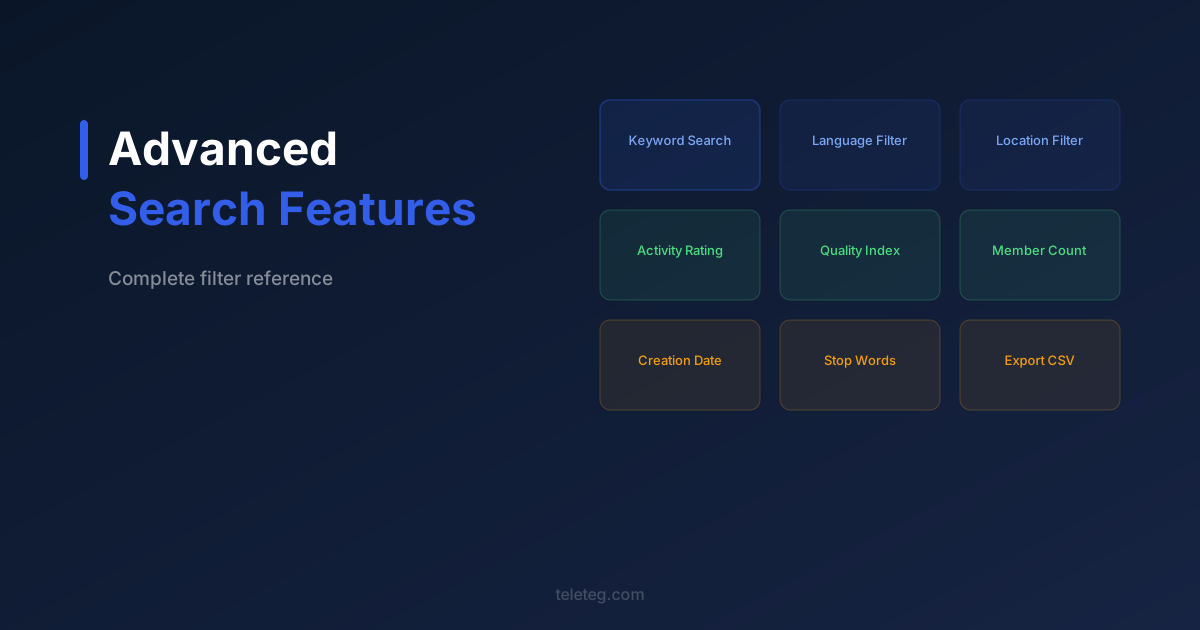
By default, Teleteg searches against group and channel names, usernames, and descriptions. The search type filter lets you restrict this to title and username only (for precision) or expand it to include content from recent posts (for broader discovery). For most searches, the default is appropriate; content search is useful when the topic you're looking for is discussed in groups whose names don't reflect it.
Language Filter
Applies to both the language of the community and the language of its content. A single search can include multiple languages simultaneously — useful for monitoring a topic across different linguistic communities or finding groups in a specific regional language. Available from Level 1.
Geographic Filters
City and country filters surface groups associated with a specific location — either through explicit location tags or through the language and content patterns Teleteg uses to infer geography. Useful for finding local communities, regional discussions, or groups targeting a specific market. Available from Level 1.
Additional Keywords and Stop Words
The additional keyword field narrows results to groups where a second term also appears — useful for finding sub-topics within a broad category. The stop words field excludes groups containing specific terms, which is practical for filtering out off-topic results in competitive search terms. Both available from Level 1.
Member Count Range
Sets a minimum and maximum member count for results. Useful for targeting communities of a specific scale — very large groups behave differently from mid-size ones, and very small groups may not be worth including in a research dataset. Available from Level 2.
Activity and Quality Metrics
The activity rating reflects posting frequency and engagement. The message quality index reflects content substance. The online ratio shows what percentage of members are currently active. Together these filters let you identify communities that are genuinely engaged rather than just large. Available from Level 2 and above.
Creation Date Filter
Filters by when the group or channel was created. Useful for finding established communities (older than a certain date) or newly formed ones (created within a specific window). Available from Level 3.
Export and API Access
Higher tiers support exporting search results to structured formats and API access for integrating Teleteg's search into external workflows. For teams doing systematic research or running ongoing monitoring across multiple topic areas, this significantly reduces the manual work involved.
Full documentation is available at teleteg.com. The search tools and metrics guide covers each filter with practical examples.