Teleteg is a public Telegram search engine indexing millions of public channels and groups. This article is part of our knowledge base on Telegram search and community discovery.
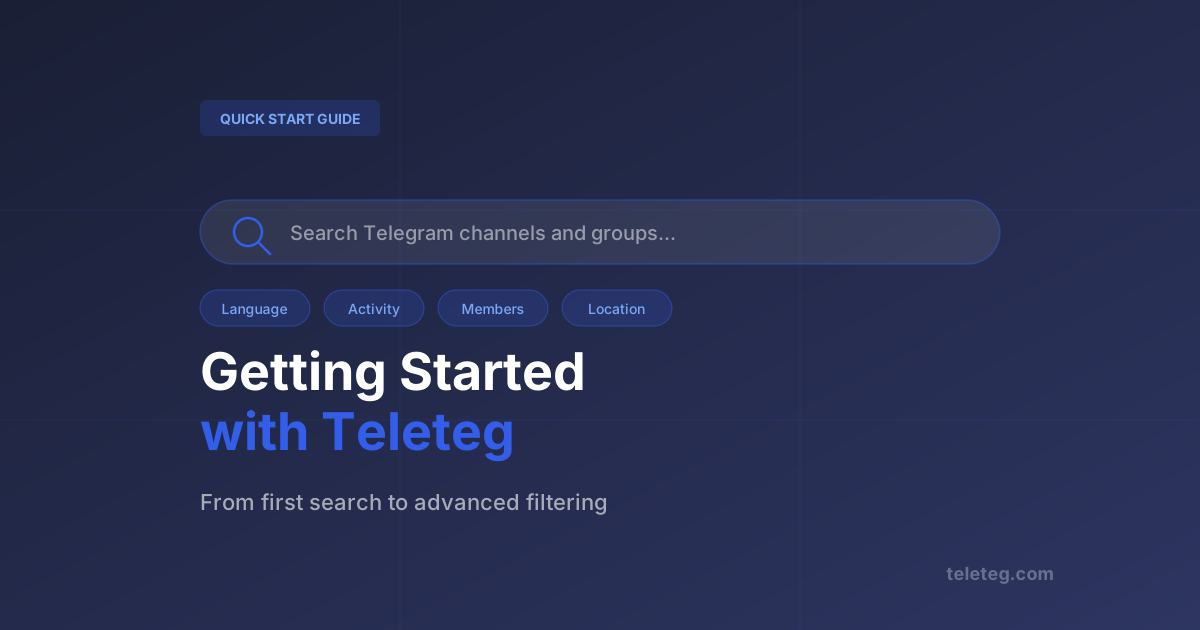
Teleteg is straightforward to use, but getting the most out of it requires understanding what the available filters actually do and when to apply them. This guide walks through the process from first search to advanced filtering — so you leave with results that are actually useful.
Step 1: Run Your First Search
Go to teleteg.com and type a keyword in the search bar. Choose whether you want to search Groups or Channels using the selector. Hit Search. You'll get the top 10 results ranked by relevance and activity — no account required for this.
What you see: username, title, member count, activity rating, language, and a message quality score. These are enough to make an initial judgement about whether a community is worth investigating further.
Step 2: Apply a Language Filter
If your results include communities in languages you don't need, add a language filter. This is particularly important for broad keywords that generate communities across dozens of linguistic groups. Narrowing to one or two languages typically cuts results to a much more manageable set.
Step 3: Filter by Activity
Set a minimum activity rating to exclude dormant communities. A group with 100,000 members that last posted three months ago is not useful. The activity rating reflects current posting patterns — setting a minimum of 3 or above typically filters out inactive communities effectively.
Step 4: Use Additional Keywords and Stop Words
If your primary keyword returns too many off-topic results, the additional keyword field lets you require a second term to appear. The stop words field excludes communities where a specific term appears — useful when a keyword has multiple meanings across different contexts.
Step 5: Adjust Member Count Range
Very large groups (100k+) behave differently from mid-size ones (5k-50k). If you're looking for active, focused communities rather than massive broadcast channels, setting a member count ceiling often surfaces better results than sorting by size alone.
Step 6: Register for More Results
The free tier returns the top 10 results per search with a daily limit. Creating a free account increases this limit. Paid plans unlock up to 500+ results, additional filters including creation date and online ratio, and the ability to export results. See the pricing page for the full breakdown.
What the Metrics Mean
A quick reference for the numbers you'll see alongside each result:
- Activity rating — composite score of posting frequency and engagement. Higher is more active.
- Message quality index — reflects content substance. Distinguishes original content from automated reposts.
- Online ratio — percentage of members currently online. A proxy for genuine engagement vs. inflated counts.
- Creation date — when the community was founded. Useful for understanding whether it's established or newly formed.
The complete search tools and metrics guide covers every filter in detail.